Overview

This guide walks you through adding voice and video calling capabilities to your React Native application using the CometChat UI Kit.
Make sure you’ve completed the Getting Started guide before proceeding.

Add the Calls SDK

Install the CometChat Calls SDK:
npm install @cometchat/calls-sdk-react-native
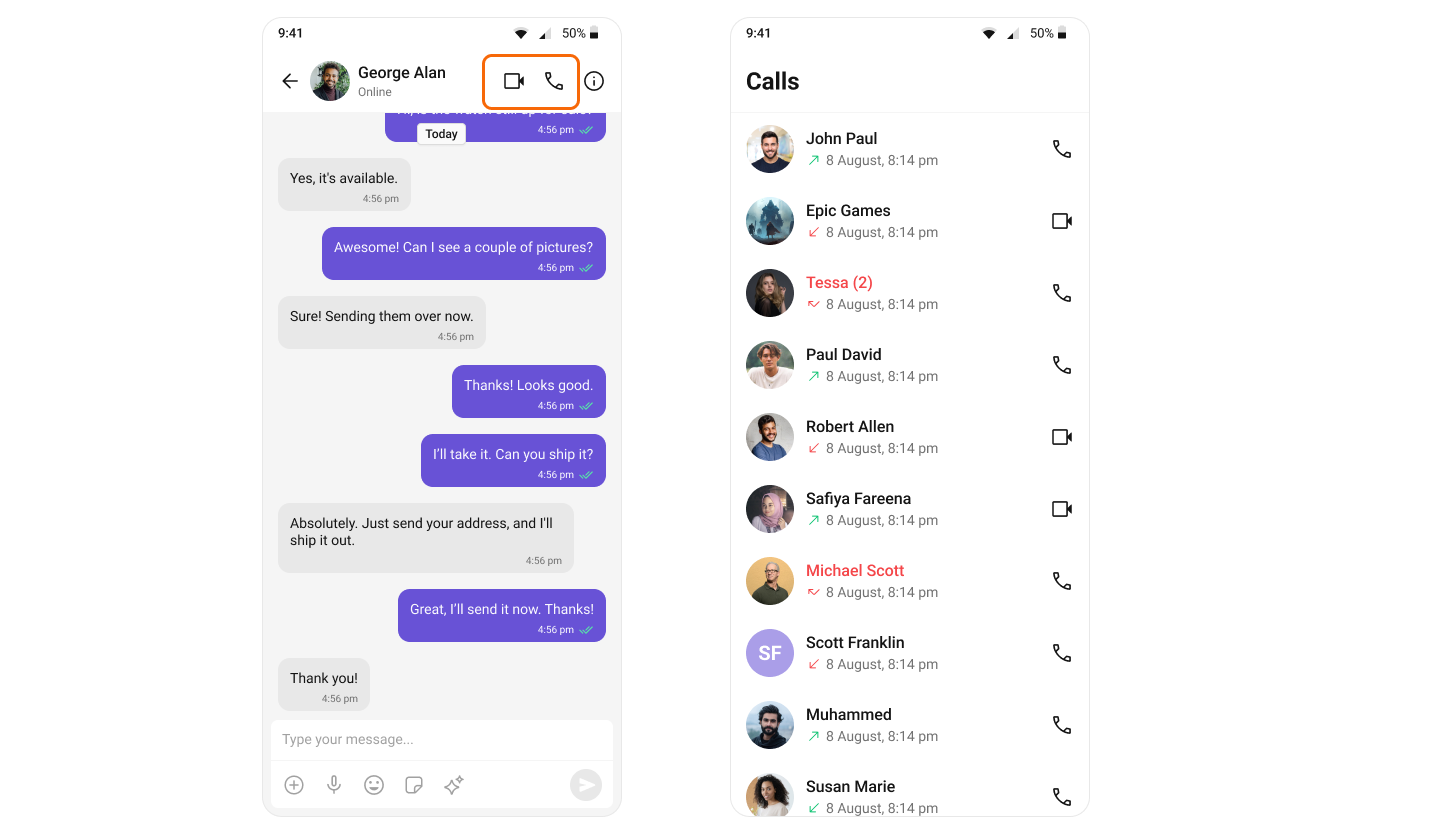
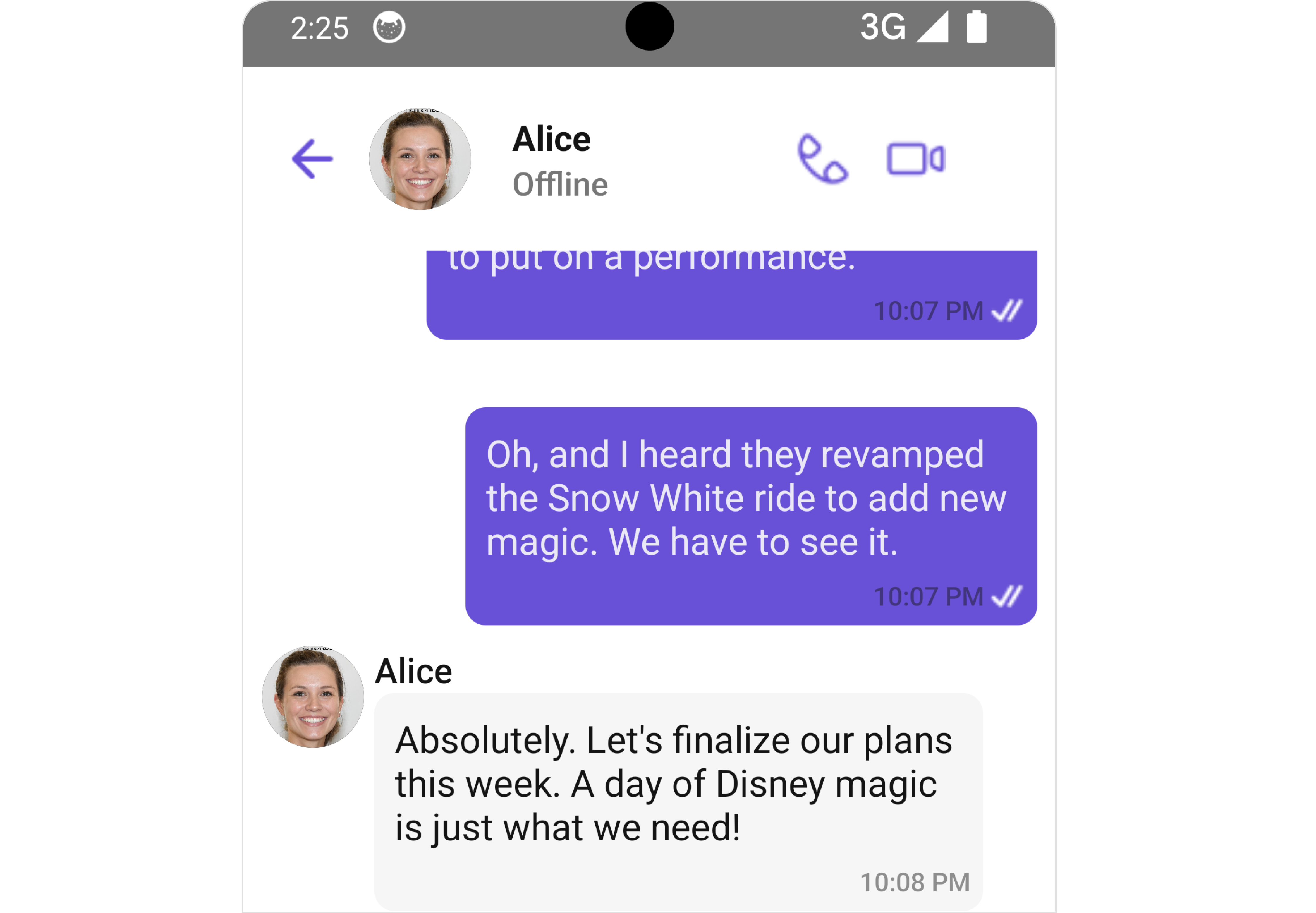
Once added, the React Native UI Kit will automatically detect it and enable calling features. The CallButtons component will appear within the MessageHeader component.

Add Permissions

Android

Add the following permissions to android/app/src/main/AndroidManifest.xml:
<manifest xmlns:android="http://schemas.android.com/apk/res/android"
    package="com.org.name_of_your_app">

    <uses-permission android:name="android.permission.INTERNET" />
    <uses-permission android:name="android.permission.CAMERA" />
    <uses-permission android:name="android.permission.MODIFY_AUDIO_SETTINGS" />
    <uses-permission android:name="android.permission.RECORD_AUDIO" />
    <uses-permission android:name="android.permission.ACCESS_NETWORK_STATE" />

    <application>
        <!-- ... -->
    </application>
</manifest>

iOS

Add the following entries to ios/{appname}/Info.plist:
<key>NSCameraUsageDescription</key>
<string>Access camera</string>
<key>NSMicrophoneUsageDescription</key>
<string>Access Microphone</string>

Set Up Minimum Versions

Android

In android/app/build.gradle, set the SDK versions:
android {
    compileSdkVersion 33

    defaultConfig {
        minSdkVersion 24
        targetSdkVersion 33
    }
}

iOS

In Xcode, set IPHONEOS_DEPLOYMENT_TARGET to 12.0, or add to your Podfile:
post_install do |installer|
  installer.pods_project.targets.each do |target|
    target.build_configurations.each do |build_configuration|
      build_configuration.build_settings['IPHONEOS_DEPLOYMENT_TARGET'] = '12.0'
      build_configuration.build_settings['EXCLUDED_ARCHS[sdk=iphonesimulator*]'] = 'arm64 i386'
      build_configuration.build_settings['ENABLE_BITCODE'] = 'NO'
    end
  end
end

Set Up Call Listeners

Register a call listener to receive call events in your component:
import React, { useEffect, useRef, useState } from "react";
import { SafeAreaView } from "react-native";
import { CometChat } from "@cometchat/chat-sdk-react-native";
import { CometChatIncomingCall } from "@cometchat/chat-uikit-react-native";

const App = (): React.ReactElement => {
  const [loggedIn, setLoggedIn] = useState(false);
  const [callReceived, setCallReceived] = useState(false);
  const incomingCall = useRef<CometChat.Call | null>(null);
  const listenerID = "UNIQUE_LISTENER_ID";

  useEffect(() => {
    CometChat.addCallListener(
      listenerID,
      new CometChat.CallListener({
        onIncomingCallReceived: (call: CometChat.Call) => {
          incomingCall.current = call;
          setCallReceived(true);
        },
        onOutgoingCallRejected: () => {
          incomingCall.current = null;
          setCallReceived(false);
        },
        onIncomingCallCancelled: () => {
          incomingCall.current = null;
          setCallReceived(false);
        },
      })
    );

    return () => {
      CometChat.removeCallListener(listenerID);
    };
  }, [loggedIn]);

  return (
    <SafeAreaView style={{ flex: 1 }}>
      {loggedIn && callReceived && incomingCall.current ? (
        <CometChatIncomingCall
          call={incomingCall.current}
          onDecline={() => {
            incomingCall.current = null;
            setCallReceived(false);
          }}
        />
      ) : null}
    </SafeAreaView>
  );
};